

Rmos Live
Your reports and approvals, always within reach.
Rmos Live brings your hotel’s occupancy, revenue, accounting and operations data to your phone and tablet. Review reports, approve purchase requests and follow technical service activity.
For managers and teams at businesses using RMOS. Sign in with your existing RMOS account to access the properties you are authorised to see.
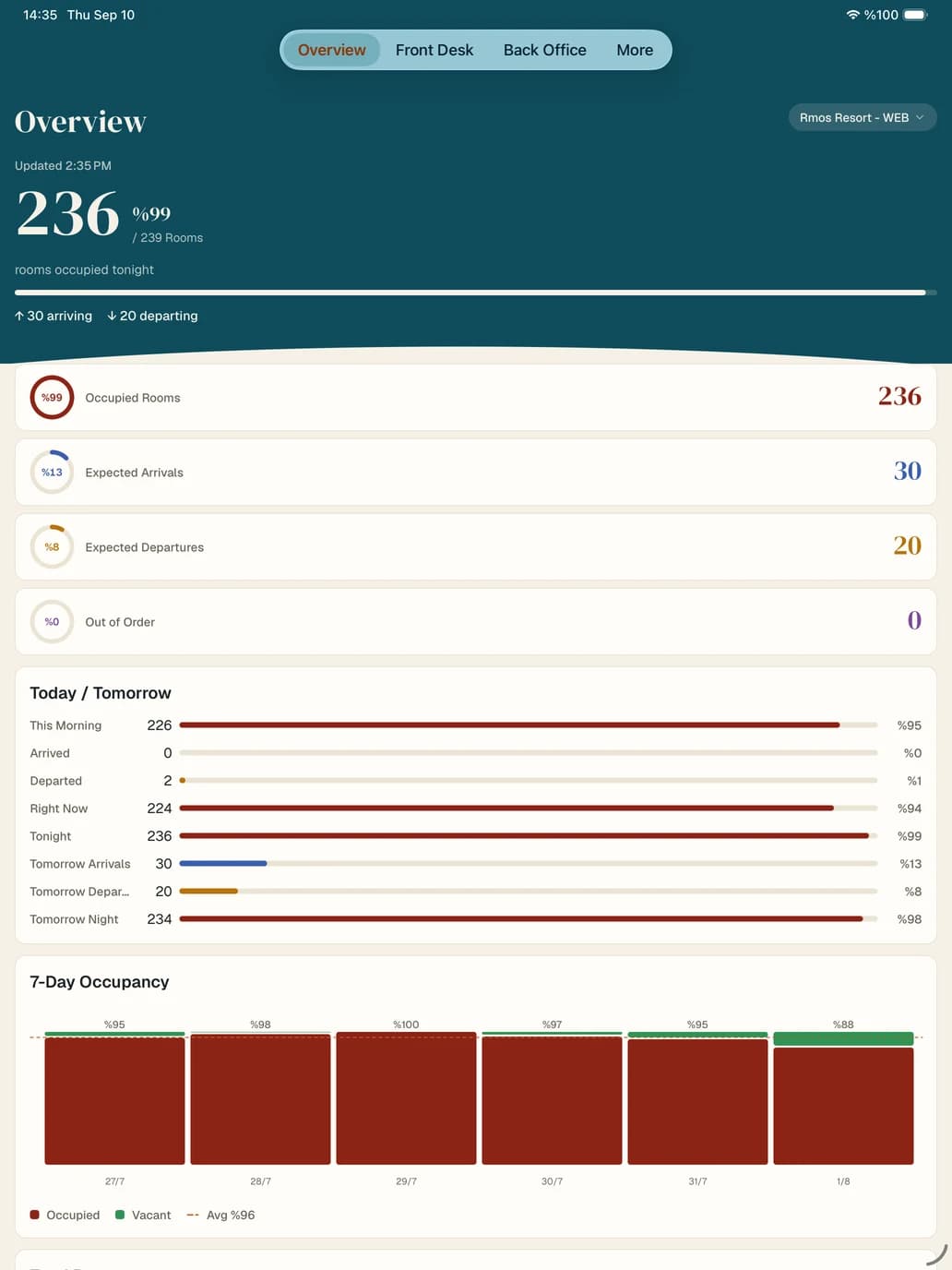
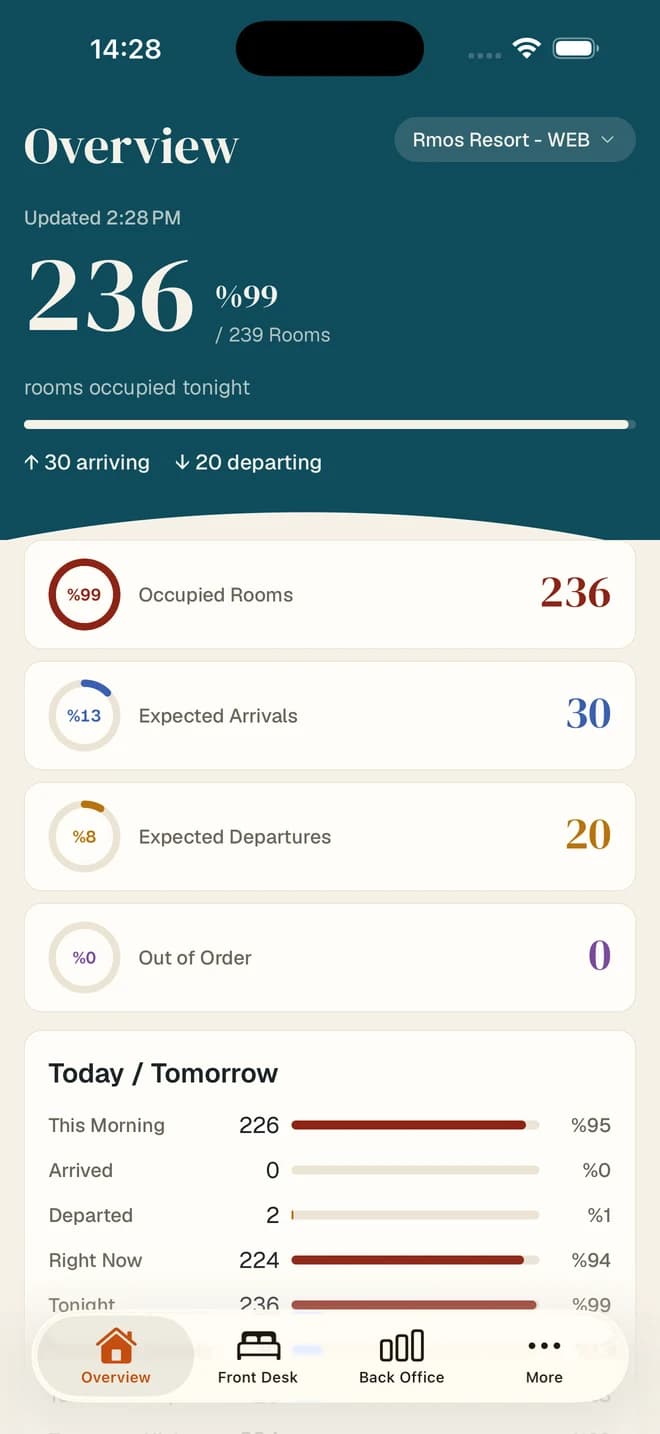
A hotel day
With you throughout the day.
07:30
Starting the day
Check expected arrivals and departures, occupancy and out-of-order rooms.
12:00
On the floor
Review a pending purchase request, compare offers and give your approval.
18:00
Before the meeting
Review today’s revenue, budget variance and market breakdown in current reports.
23:00
Reviewing the day
Check the financial picture with trial balance, cash and cheque reports.
Modules
A closer view of your hotel.
From daily operations to annual comparisons, access RMOS reports and actions through an interface designed for mobile use.
Front Office
Review occupancy, in-house guests, expected arrivals and departures, reservation reports and guest lists.
Revenue & Budget
Follow revenue reports and budget comparisons, and review average length of stay and returning guest analysis.
Accounting & Finance
Keep track of your finances with trial balance, account monitoring, aging, cash and cheque reports.
Purchase Approval
Review pending requests, compare offers and last purchase prices, and approve from your phone.
Technical Service & CRM
Follow faults, housekeeping activity and guest complaints by status and priority.
Annual Comparison
Compare years by market, country, location and agency, and review results across multiple properties.
Inside the app
Take a closer look at Rmos Live.
Real screens from Rmos Live on iOS. Follow daily operations, compare occupancy and access financial reports.
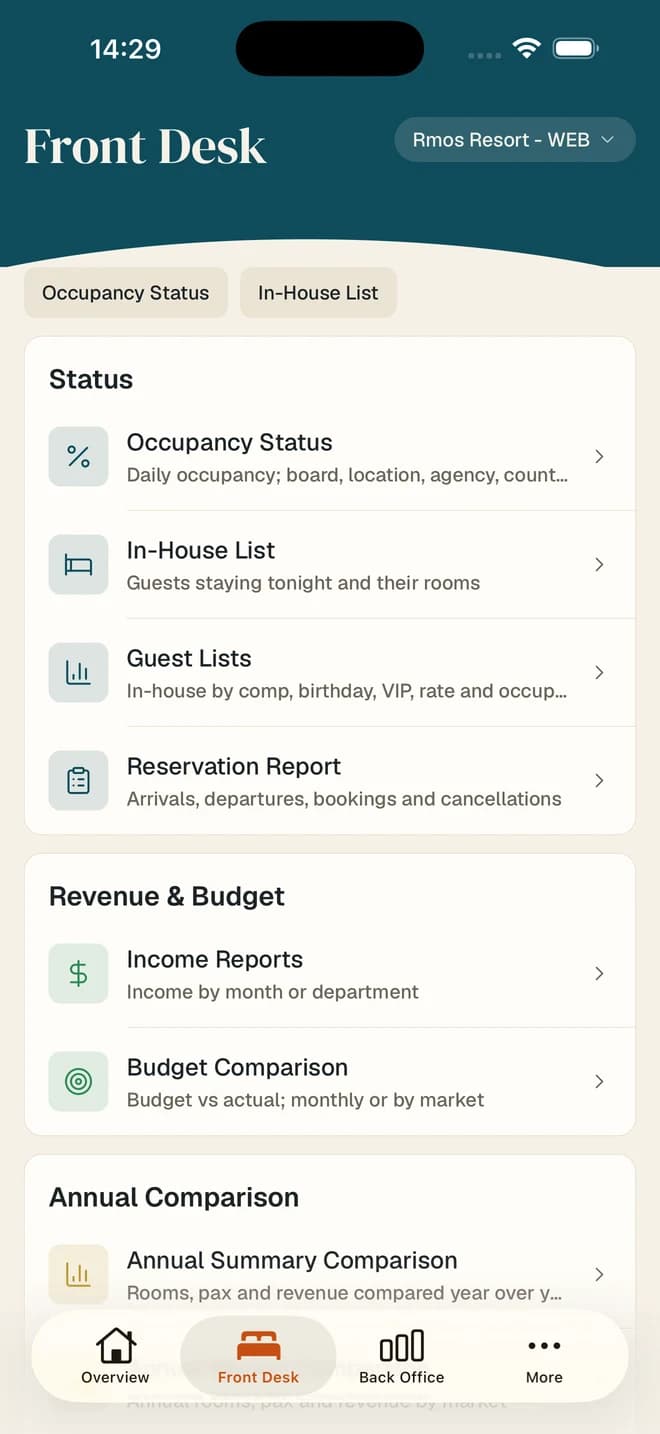
Reach your daily operations
Access front office, reservation and revenue reports from one menu.
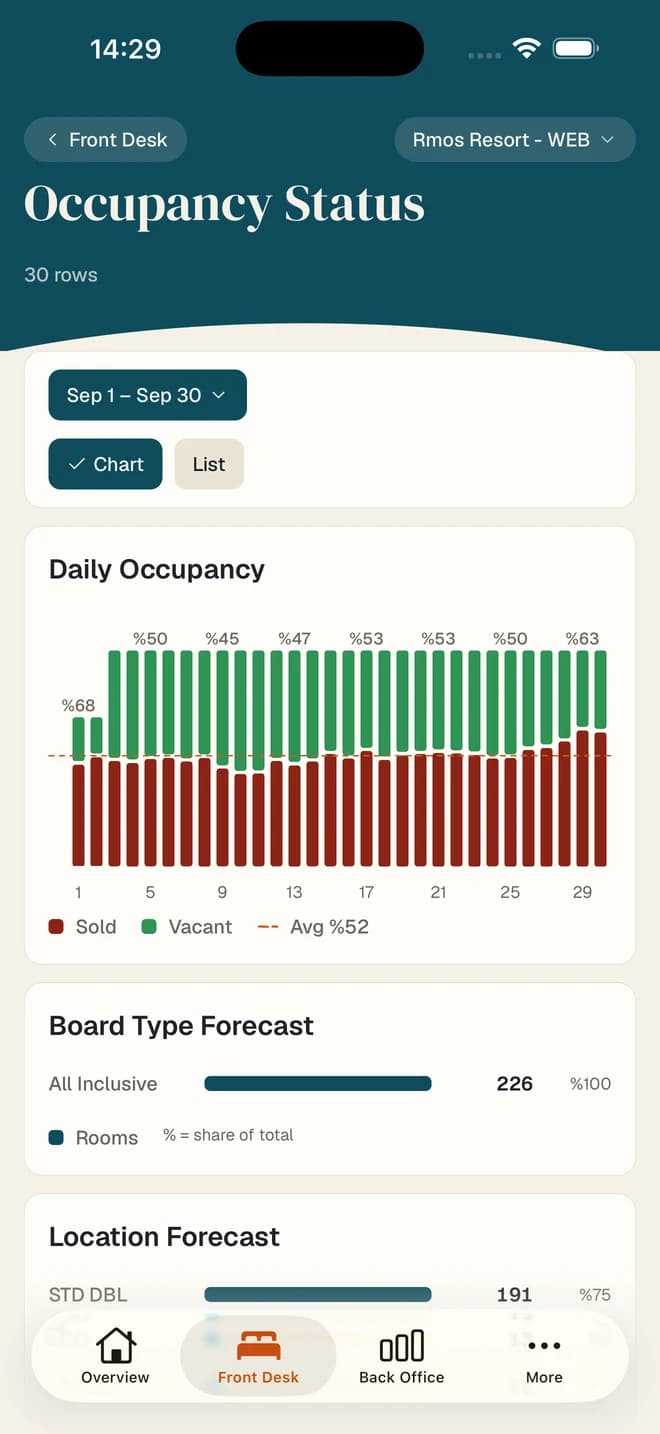
See occupancy at a glance
Track occupied and available rooms with charts and period comparisons.
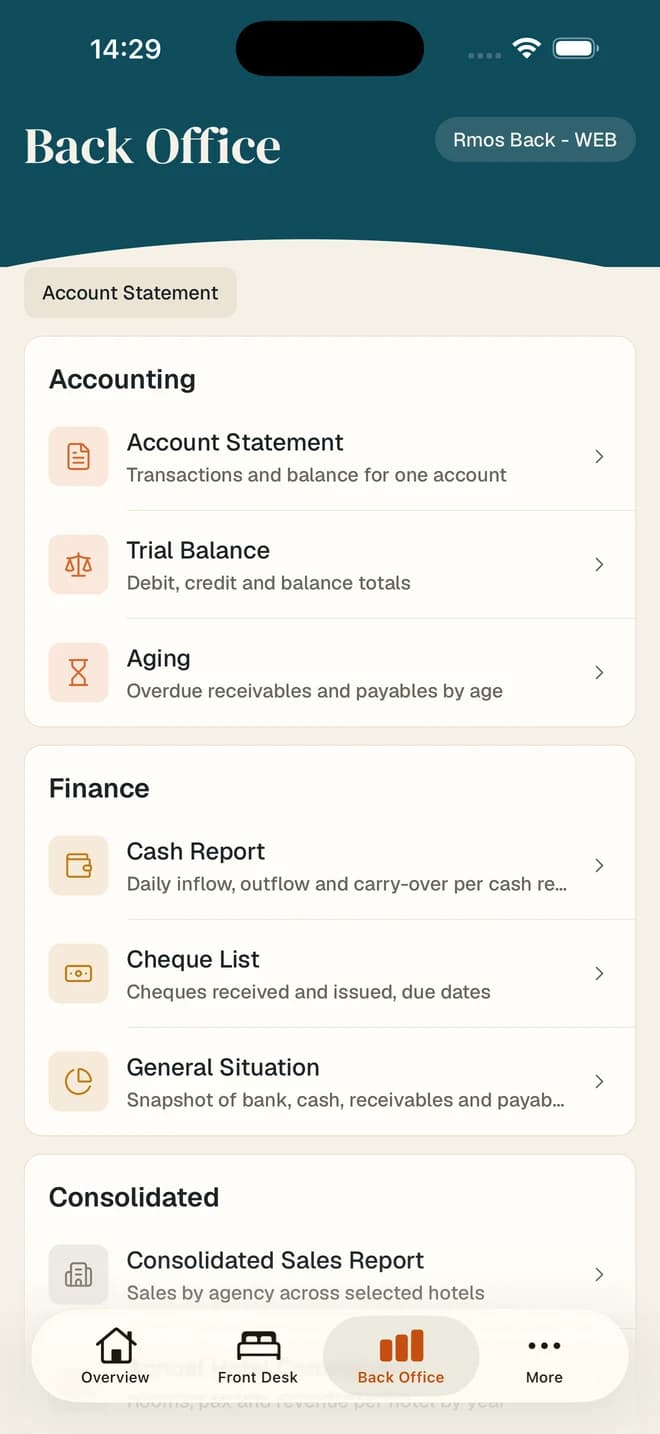
Keep an eye on your finances
Open trial balance, account monitoring and cash reports from your phone.
Screenshots from the iOS app. Values reflect the time of capture; in the app you see your own hotel’s data and the screens available to your role.
How it works
Start with your existing account.
Sign in to Rmos Live with your RMOS credentials and select a property you are authorised to access. Your reports use your hotel’s current data, and your existing permissions determine which screens and actions are available.
Privacy and account matters
Learn how Rmos Live processes your data and find the steps to submit requests about your account and personal information.